
Understanding the WinOLS Checksum Plugin
In the realm of chiptuning, precision and accuracy are paramount. One critical aspect that ensures this precision is the use of the WinOLS Checksum Plugin. This tool is indispensable for professionals in the tuning industry, providing essential verification to guarantee that modifications to an ECU map are executed correctly and safely.
What is the WinOLS Checksum Plugin?
The WinOLS Checksum Plugin is a specialized add-on for the WinOLS software, a powerful tool used for editing and optimizing ECU maps. The primary function of the checksum plugin is to calculate and verify checksums, which are crucial for the integrity and functionality of the modified data. Checksums are used to detect errors in data transmission or storage, ensuring that the ECU map is functioning as intended after modifications.
Importance of Checksums in ECU Tuning
Checksums play a vital role in ECU tuning. They are mathematical algorithms applied to data to ensure its integrity. In the context of ECU tuning, checksums help in verifying that the data has not been corrupted or altered unintentionally. When an ECU file is modified, the checksum value needs to be recalculated to reflect the changes. Failing to update the checksum can lead to an ECU rejecting the file, which can prevent the vehicle from starting or functioning correctly.
Why Use the WinOLS Checksum Plugin?
Using the WinOLS Checksum Plugin provides several advantages:
- Accuracy: The plugin ensures that all checksum calculations are precise, reducing the risk of errors.
- Efficiency: Automates the checksum calculation process, saving time and reducing manual errors.
- Compatibility: The plugin supports a wide range of ECU types and models, making it versatile for various tuning projects.
- Reliability: Enhances the overall reliability of the tuning process by ensuring that ECU modifications are error-free.
How the WinOLS Checksum Plugin Works
The WinOLS Checksum Plugin operates by analyzing the modified ECU map file. It recalculates the checksum values based on the changes made. This recalculated checksum is then compared to the original to verify integrity. If the checksums match, it indicates that the data is correct and the ECU can safely use the modified map.
Step-by-Step Process
Here’s a basic overview of how the WinOLS Checksum Plugin is used in the tuning process:
- Load the ECU Map: Import the ECU map into the WinOLS software.
- Edit the Map: Make the necessary modifications to the ECU map for tuning purposes.
- Activate the Plugin: Use the WinOLS Checksum Plugin to calculate the new checksum values.
- Verification: Ensure that the new checksum matches and the map is ready for safe use.
- Upload to ECU: Once verified, upload the modified map back to the ECU.
Applications and Benefits in Professional Tuning
For professionals in the tuning industry, the WinOLS Checksum Plugin is an invaluable tool. It enhances the efficiency and reliability of the tuning process, ensuring that modifications are both effective and safe. By automating the checksum verification process, tuners can focus more on optimizing performance rather than worrying about potential errors.
Interfacing with Other Tools
In addition to its standalone benefits, the WinOLS Checksum Plugin interfaces seamlessly with other tools in the chiptuning ecosystem. For instance, it works well in conjunction with tools like Alientech Kess3 or Magic Motorsport Flex, enhancing their utility by ensuring data integrity during the tuning process. For more information on these tools, you might want to explore our detailed guide on Alientech Kess3 compatibility.
Conclusion
In conclusion, the WinOLS Checksum Plugin is a crucial component in the chiptuning process, offering accuracy, efficiency, and reliability. Whether you are a seasoned professional or just starting with chiptuning, understanding and utilizing this plugin can significantly enhance your tuning projects.
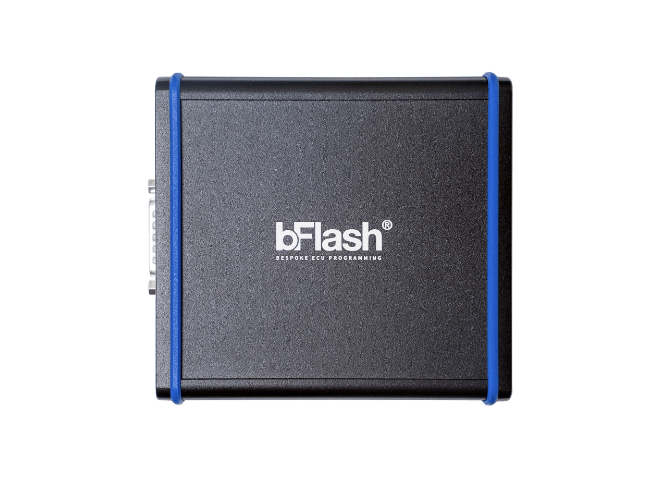
Want to learn more about ECU tuning? Explore our range of tuning tools and software here.
If you have any questions regarding chiptuning, chiptuning tools or chiptuning files, please reach out to us and we’re happy to answer your questions! Contact us.
